
Written by the Lhasu team
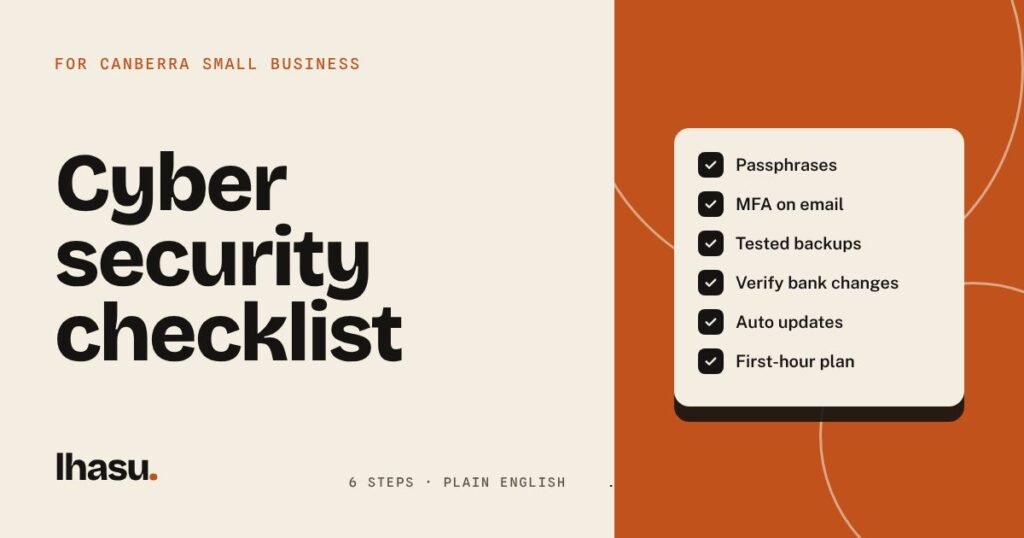
TL;DR: A good cyber security checklist for a small business has six steps. Use a 15+ character passphrase for every key account. Turn on multi-factor authentication (MFA), starting with email. Back up your data and test the restore. Phone to confirm any request to change bank details. Keep software updated. And know who to call in the first hour of an incident. In 2024–25, Australian small businesses lost an average of $56,571 per reported cybercrime, according to the Australian Signals Directorate (ASD).
Why Canberra Businesses Need a Cyber Security Checklist
Cybercrime isn’t just a big-company problem. In fact, the numbers point the other way. ASD’s Annual Cyber Threat Report 2024–25 found that small businesses lost an average of $56,571 per cybercrime report. That’s up 14% on the year before. Medium businesses averaged $97,166, up 55%.
Canberra has its own reason to pay attention. The ACT recorded the highest average loss per cybercrime report of any state or territory, at around $37,700. Yet the ACT made up only 2% of national reports. In other words, there are fewer reports here, but each one tends to cost more.
Across Australia, ReportCyber received more than 84,700 cybercrime reports in 2024–25. That’s roughly one every six minutes.
What Goes Wrong Most Often?
The same report breaks down what businesses actually reported. Three types led the list:
- Email compromise with no money lost — 19% of business reports
- Business email compromise fraud with money lost — 15%
- Identity fraud — 11%
Together, email-related crime made up about a third of business reports. So a cyber security checklist that stops at antivirus misses the main risk. Most of the damage starts in an inbox.
The 6-Step Cyber Security Checklist
You don’t need an enterprise budget to cover the basics. These six steps tackle the problems above. We’ve listed them in the order we’d do them.
1. Use Passphrases, Not Passwords
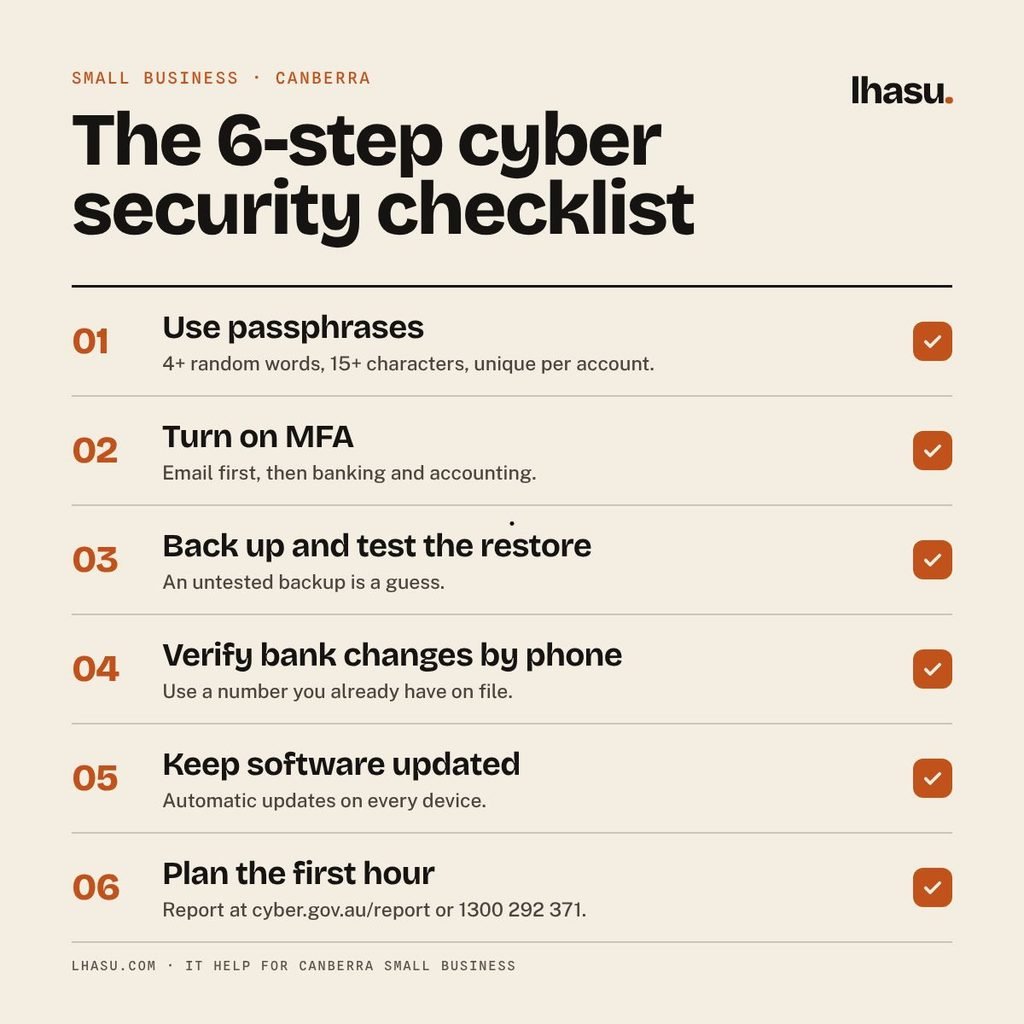
Start your cyber security checklist with the accounts that matter most: email, banking and your accounting software. ASD’s guidance on creating strong passphrases recommends four or more random words, at least 15 characters in total. Random words beat a clever sentence or a song lyric. They’re easier to remember, yet harder for cracking tools to guess.
Use a different passphrase for every important account. Then store them in a reputable password manager, not on a sticky note or in a shared spreadsheet.
2. Turn On Multi-Factor Authentication
Multi-factor authentication (MFA) adds a second check, such as a code from an app, on top of your passphrase. ASD’s guide to multi-factor authentication says it “defends against the majority of password-related cyber attacks.”
Turn it on for email first. After all, whoever controls your inbox can reset the passwords on almost everything else. Next, cover banking, accounting software and anywhere customer data lives. An authenticator app or passkey is stronger than an SMS code. Still, SMS is far better than nothing.
3. Back Up Your Data and Test the Restore
Backups are the item on any cyber security checklist that people set up once and then forget. ASD’s ten things to know about data security covers it plainly:
- Back up according to how critical the data is.
- Keep backups synchronised to a known point in time.
- Store them securely, away from your main systems.
- Periodically test that you can actually restore them.
That last point matters most. A backup you’ve never restored is a guess, not a safety net.
4. Check Every Bank Detail Change by Phone
Business email compromise usually looks routine. An email arrives from a supplier, a client or even your boss. It asks you to update bank details or pay an invoice urgently. Sometimes the sender’s account really has been hacked, so the email looks genuine.
The fix is a habit, not software. Before any payment details change, phone the person on a number you already have on file. Never use the number in the email itself. Make this a rule for everyone who pays bills, including you.
5. Keep Software and Devices Updated
Updates are the easiest cyber security checklist item to automate. They often fix security holes that attackers already know about. So turn on automatic updates for your operating system, browser and business apps. Also check your older devices. Once a laptop or phone stops getting security updates, plan to replace it, especially if it handles customer data or payments.
6. Know What to Do in the First Hour
The last item on this cyber security checklist is a plan. Decide now who does what if something goes wrong. Who disconnects the affected device? Who changes the email password? And who reports it?
You can report cybercrime to ASD at cyber.gov.au/report or call 1300 CYBER1 (1300 292 371). ASD’s Australian Cyber Security Centre gives free incident advice 24/7. Write that number down somewhere you’ll find it when your computer isn’t working.
If a scammer has already had remote access to one of your devices, our guide on what to do in the first hour after a scammer gets into your computer walks you through it step by step.
What Does a Cyber Security Checklist Cost to Put in Place?
Honestly, most of it costs nothing but time. Passphrases, MFA and a phone-first rule for bank changes are all free. A password manager and backup storage usually come with a small subscription.
The real cost is attention. Someone has to check that backups still work and that updates are still running. That’s the part that’s easy to let slide, because it’s nobody’s job. If you’re weighing up paying for help per job or on a monthly plan, our comparison of fixed-quote vs subscription IT support lays out the trade-offs.
Should You Work Through the Checklist Yourself?
If you’re comfortable with tech, you can work through most of this cyber security checklist yourself in an afternoon. There’s no need to pay someone to switch on MFA.
However, DIY tends to fall down in two places. First, backups: it’s easy to set one up and never notice it stopped working. Second, the moment of an actual incident, when few people are calm enough to work methodically. Those are the two places where a second set of eyes earns its keep.
Want a hand ticking off this cyber security checklist? We help Canberra and Queanbeyan small businesses with backups, device set-up and security clean-ups. See our IT support in Canberra, or call us on 02 5115 1148. You can also ask for a free, no-obligation quote through our contact page. And if you’d like to know who you’d be dealing with first, here’s a bit about us.
Frequently Asked Questions
What should be on a small business cyber security checklist?
Six things cover most of the risk: unique passphrases of 15+ characters, multi-factor authentication (starting with email), backups that are regularly test-restored, a rule to confirm bank detail changes by phone, automatic software updates, and a written plan for the first hour of an incident.
What is the biggest cyber security risk for small businesses?
Email. In ASD’s Annual Cyber Threat Report 2024–25, email compromise (19%) and business email compromise fraud (15%) together made up about a third of cybercrime reports from Australian businesses.
How much does a cyber attack cost a small business in Australia?
ASD’s 2024–25 report puts the average self-reported loss for a small business at $56,571 per cybercrime report, up 14% on the year before. In the ACT, the average loss per cybercrime report was around $37,700, the highest of any state or territory.
Is a passphrase better than a password?
Yes. ASD recommends four or more random words, at least 15 characters in total. A random passphrase is easier to remember and harder to crack than a short, complex password. Pair it with multi-factor authentication for important accounts.
How often should a small business test its backups?
ASD recommends testing restores periodically, not just checking that the backup job ran. As a practical rule, we suggest a test restore every few months and after any change to how or where you back up.
Where do I report a cyber attack in Australia?
Report it to the Australian Signals Directorate at cyber.gov.au/report, or call 1300 CYBER1 (1300 292 371) for free incident advice, available 24/7. First, disconnect the affected device from the internet and change your email password from a different, safe device.
Leave a Reply